
Heat Loss Calculator - PN-EN 12831-1
Heat loss calculations in minutes, not hours.
The OZC calculator in HeatAlgo is a browser-based heat loss calculation compliant with PN-EN 12831-1 (ISO 6946, ISO 13370), room by room - built for heating installers. See every wall layer, every U-value, the split between transmission and ventilation losses. Nothing is hidden.
Context
Why heat loss calculations matter now
Clients ask about heat demand calculations while planning the investment - when choosing the heat source, radiators, or underfloor heating. If you can calculate and present it, you walk into that conversation prepared.
Until now, the calculations meant expensive desktop software (990-18,000 PLN in licences) or outsourcing to an engineer (500-1,500 PLN per project). Small installation companies had no good option. They either paid up or lost the job.
Installers who can produce heat loss calculations themselves win on every front: they are faster than the competition, retain full control over the result, and keep the entire fee. It is a concrete advantage in every client conversation.
Step by step
How to calculate heat losses
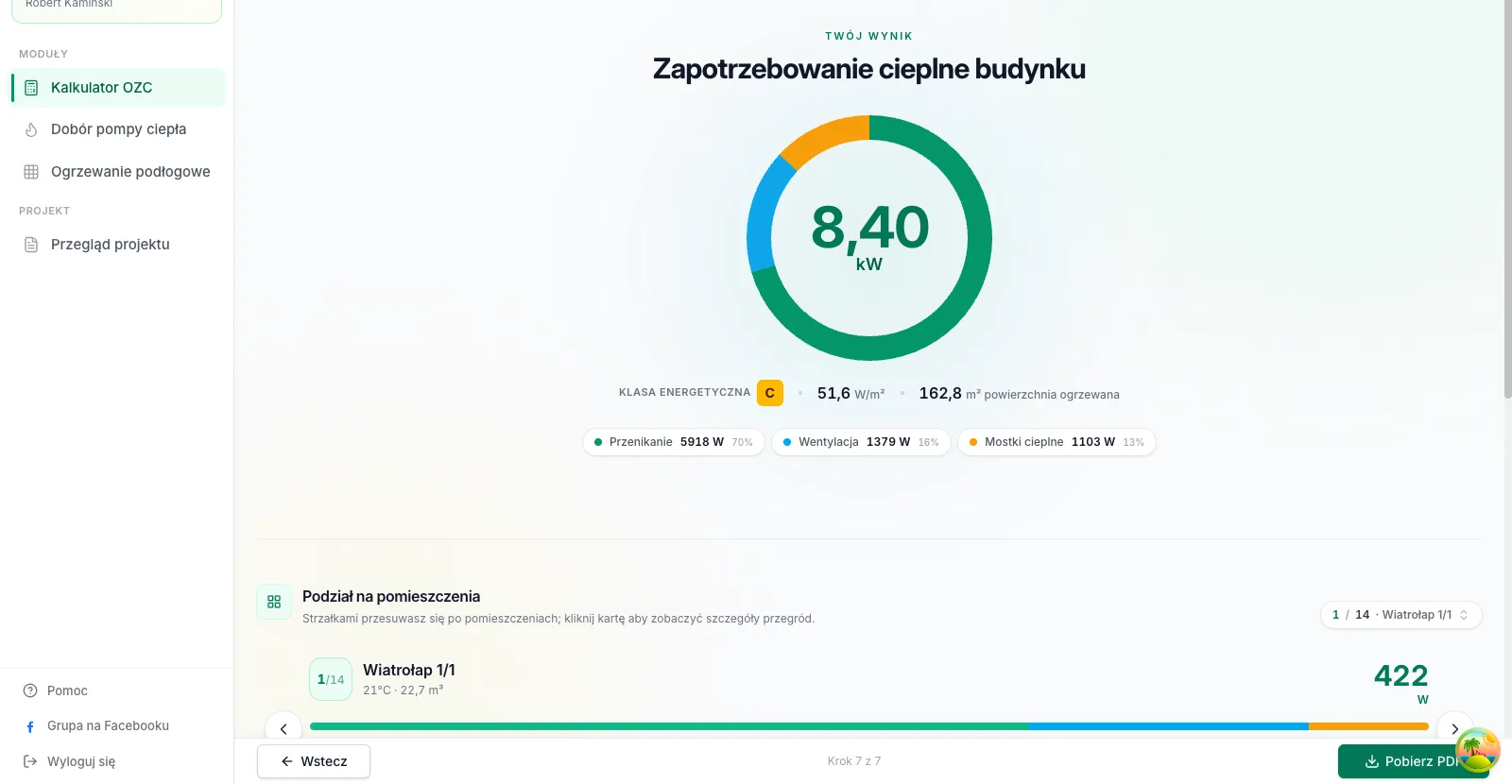
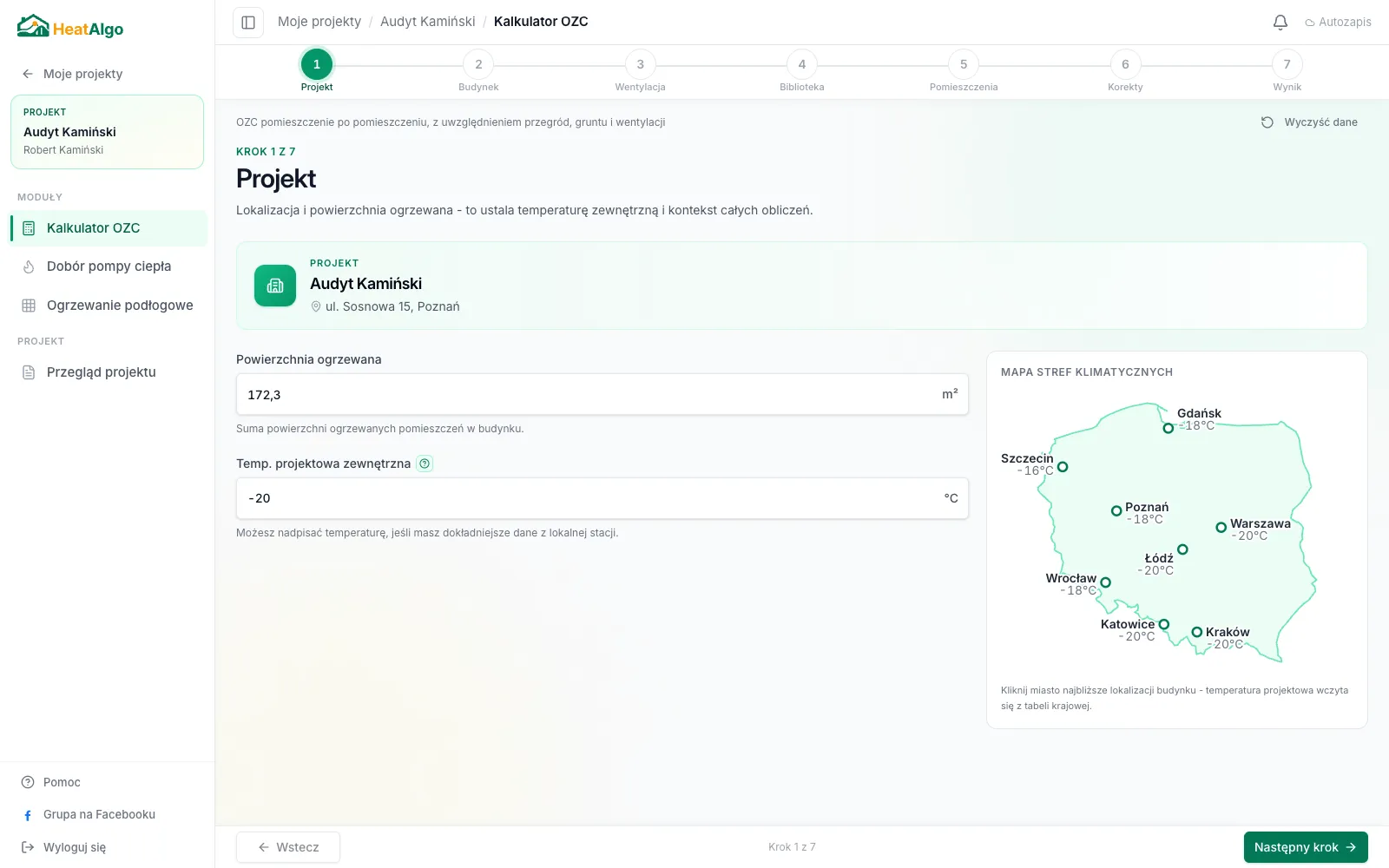
Enter building data
Provide dimensions, location, and climate zone. The system fills in sensible defaults, and you change only what differs from the typical values.
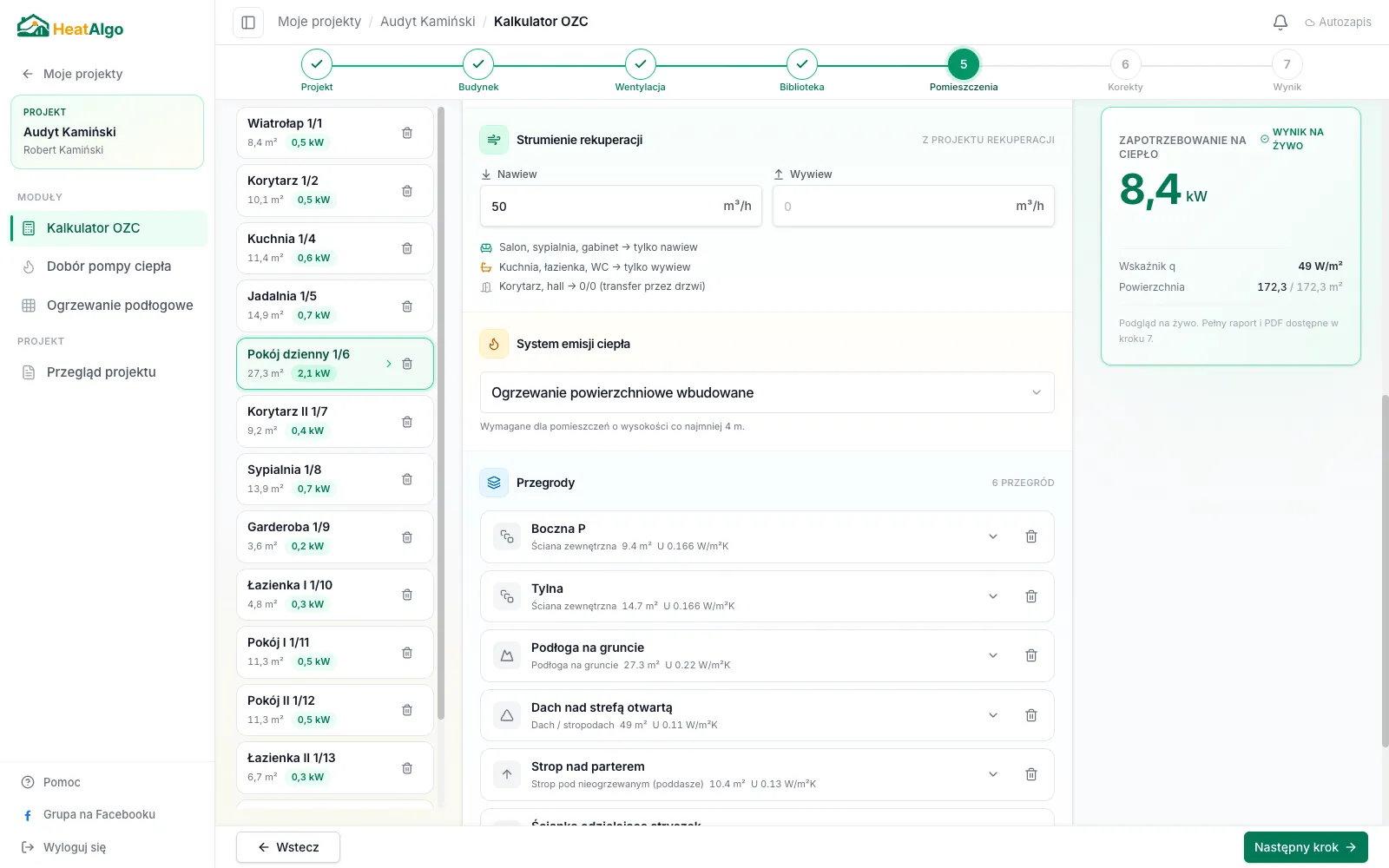
Define building elements
Add wall layers, windows, and doors. Pick a typical construction from the list or define your own layer by layer.
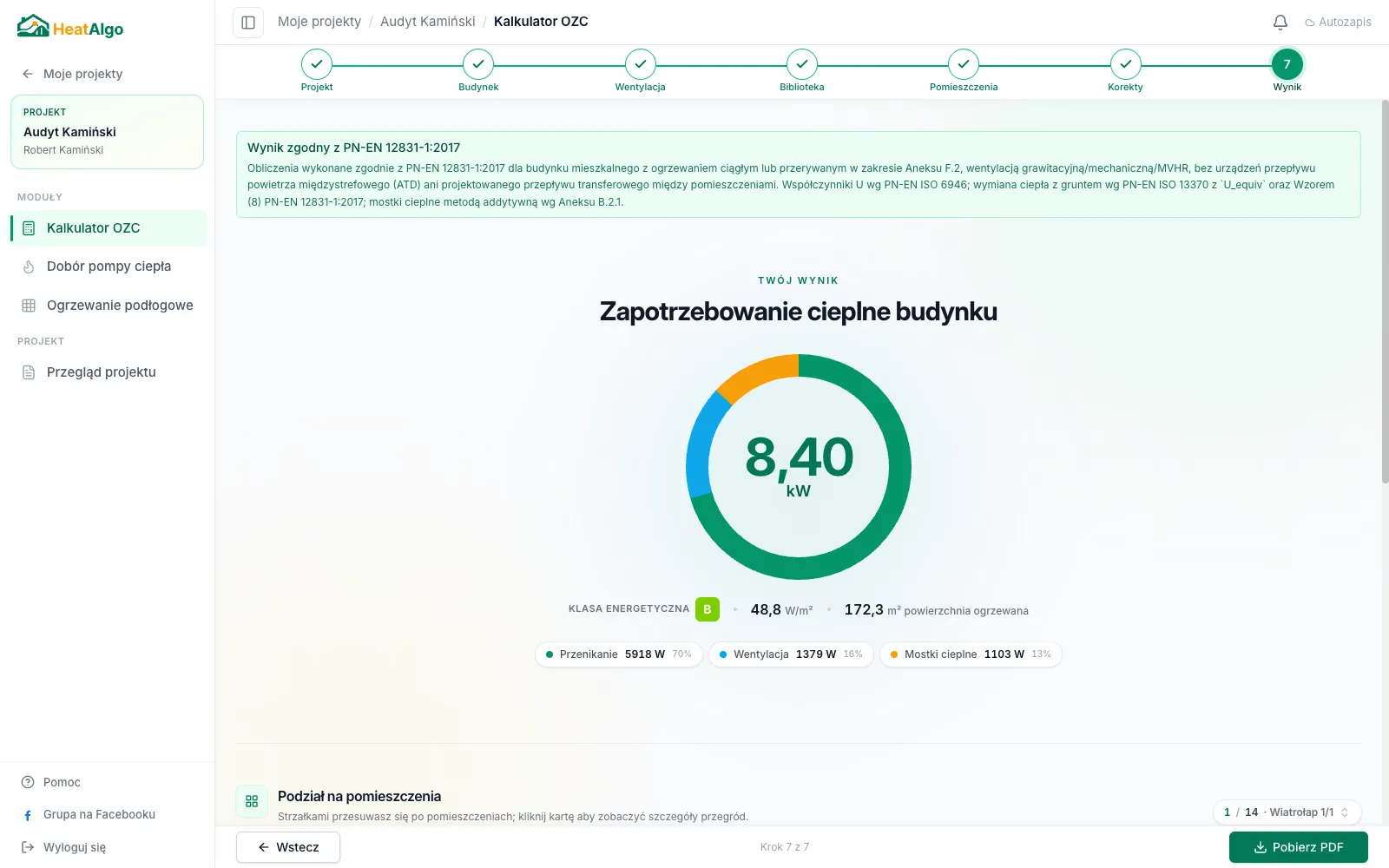
Automatic calculations
The system instantly computes transmission losses, ventilation losses, and thermal bridges per PN-EN 12831-1. Every step is visible.
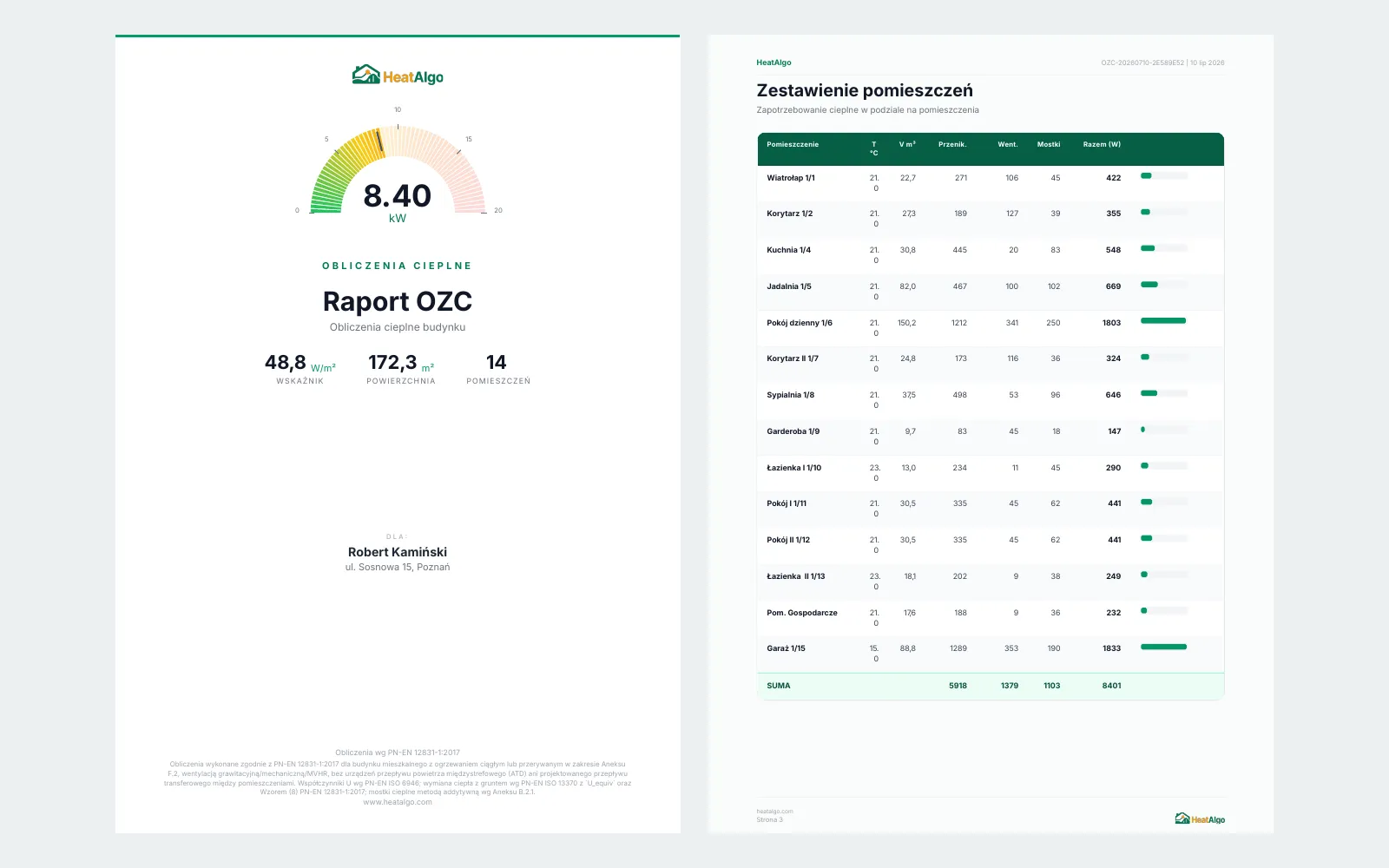
Generate a PDF report
The report contains full calculations. Ready to hand to the client and file with the project documentation.
Features
Everything you need for OZC
Comparison
HeatAlgo vs traditional software
Comparison of tools for heat loss calculations
HeatAlgo
Traditional software
14 days free, then a plan matched to your business
Price
990-18,000 PLN
Price
Browser
Installation
PC (Windows)
Installation
None
Training
Weeks
Training
PN-EN 12831-1 + ISO 6946 + ISO 13370
Full compliance covers residential buildings with natural, mechanical, or MVHR ventilation, without air transfer devices (ATDs).
Methodology
Varies
Methodology
Every step visible
Transparency
Often a black box
Transparency
Yes, simple and readable
PDF report
Yes, complex
PDF report
FAQ
Frequently asked questions
What methodology are the calculations based on?
The OZC calculator implements PN-EN 12831-1 (room-by-room building heat load) with PN-EN ISO 6946 (thermal resistance of building components) and PN-EN ISO 13370 (ground). The result includes heat losses, U-values, the transmission/ventilation split and an additive thermal-bridge surcharge per PN-EN 12831-1 Annex B.2.1 (ΔU_TB). Useful for quick building assessment and client presentations - a certified energy audit may still be required for formal grant applications. Full compliance covers residential buildings with natural, mechanical, or MVHR ventilation, without air transfer devices (ATDs).
Can I add custom wall layers?
Yes. You can define any wall composition layer by layer, with your own thicknesses and lambda values. Or pick a typical construction from the list.
How quickly do I get a result?
Minutes. Enter the building data and the calculations generate automatically. The result is instant.
What does HeatAlgo cost?
For 14 days you get full access for free, no card required. After the trial we agree on a plan matched to your business.
How long does an audit take?
Minutes. It depends on the building, but a typical single-family home takes 10-15 minutes on the first visit. Subsequent projects go faster thanks to saved constructions.
Will the result help with a Clean Air grant application?
HeatAlgo generates heat loss calculations per PN-EN 12831-1. The result is useful for initial building assessment and client conversations. A certified energy audit performed by a licensed auditor may still be required for the formal grant application. Full compliance covers residential buildings with natural, mechanical, or MVHR ventilation, without air transfer devices (ATDs).
Does it support buildings with different wall types?
Yes. You can define a different layer composition for each building element: external wall, roof, floor, windows, and doors can each have different parameters.
Can I edit wall layers?
Yes. You can add, remove, or change any layer. You immediately see the effect on the U-value.
Calculate your first OZC today
Register, enter the building data, and see a result compliant with PN-EN 12831-1 in minutes.
No payment card. Your projects and PDFs stay forever.